
DaVinci Resolve Fade Transition (& FIX Issues – 2024)
Transition for fading in or out to black in DaVinci Resolve is used to open and end a scene or …
DaVinci Resolve Fade Transition (& FIX Issues – 2024) Read More »

In the “Absolute Basics” section, you will learn about the basics of filmmaking and content creation like editing, color grading, sound-design, etc. No jargons! In easy-to-understand language.
Transition for fading in or out to black in DaVinci Resolve is used to open and end a scene or …
DaVinci Resolve Fade Transition (& FIX Issues – 2024) Read More »

DaVinci Resolve export is the process of delivering your finished project in the form of these formats – video (mp4, …
How to Export In DaVinci Resolve? (FAST! 2024 Update) Read More »

DaVinci Resolve autosave is a feature wherein all the changes like editing, color grading, etc., are automatically saved without the …
How to AutoSave in DaVinci Resolve (+Tips & FIXES 2024!) Read More »
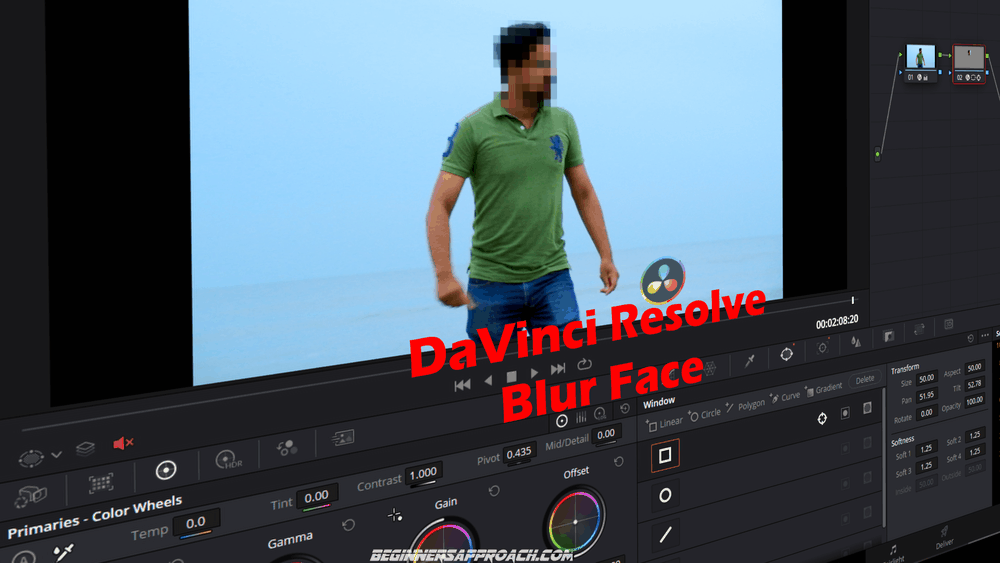
Beginners and newcomers to DaVinci Resolve (versions 18.5, 18, 17, etc.), often find it challenging during blurring a face. Actually, …
DaVinci Resolve Blur Face (Use THIS Blur Effect 2024!) Read More »
To download DaVinci Resolve 19/18, go to the official BlackMagic Design support center website. Locate the “DaVinci Resolve and Fusion …
Download DaVinci Resolve 19 the Right Way (+ Fixes! 2024) Read More »
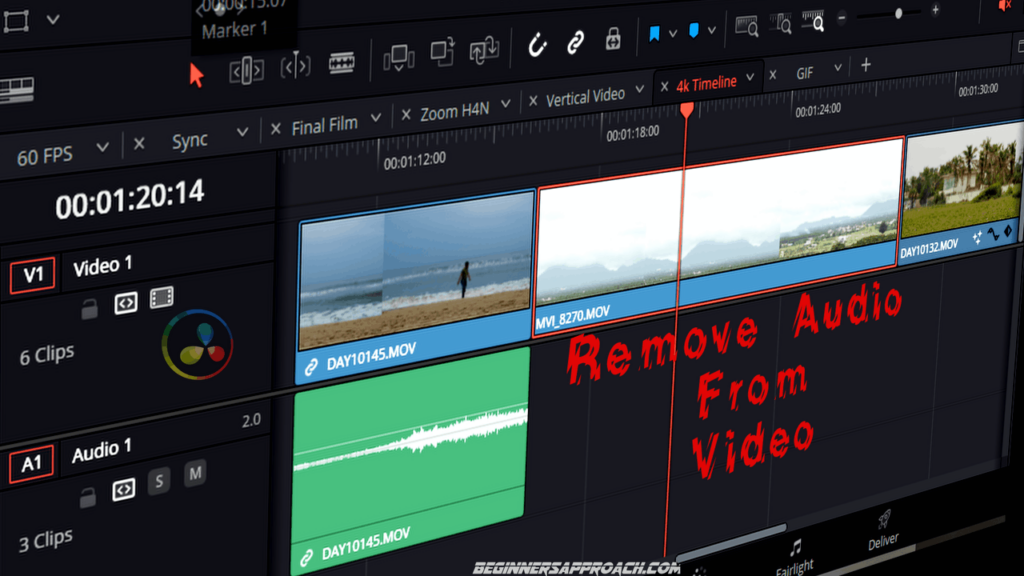
To remove audio from a video clip in DaVinci Resolve, first unlink the clip in the timeline. Then click away …
DaVinci Resolve Remove Audio From Video (FAST! 2024) Read More »
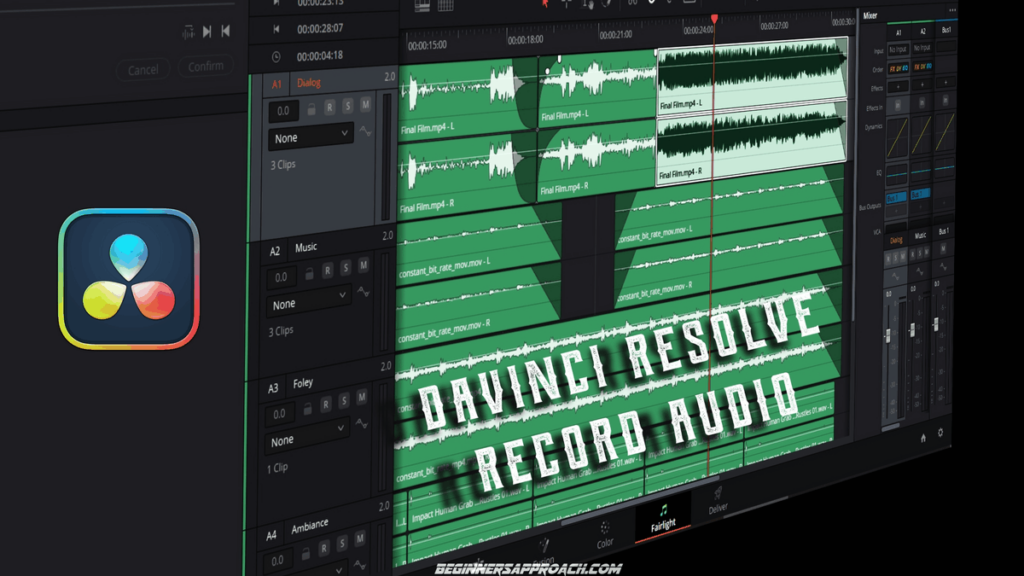
Can DaVinci Resolve Record Audio? DaVinci Resolve CAN record audio under the Fairlight page. If you need to record voiceover, …
DaVinci Resolve Record Audio (2024 Updated Quick Guide!) Read More »
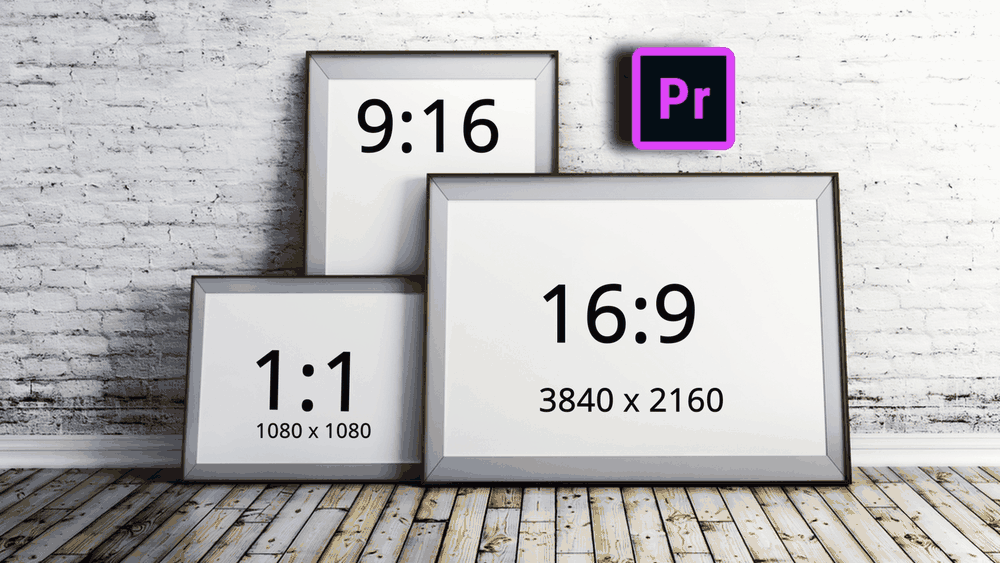
The aspect ratio in Premiere Pro defines the shape of the video frame – vertical, square, widescreen, old TV look, …
How to Change Aspect Ratio in Premiere Pro (2024!) Read More »

DaVinci Resolve can export frames (still images) in formats like PNG, JPG, TIFF, etc. You can either export a single …
How to Export Frame in DaVinci Resolve (Still Image) 2024 Read More »
To downscale a 4K footage to 1080p HD in DaVinci Resolve, create a new timeline with the resolution set to …
Downscale 4K to 1080p in DaVinci Resolve (+ FIX Issues!) Read More »